
When you’re traveling, your mobile device becomes a cybercriminal magnet outside your home network’s protection. Disable auto-connect features for Wi-Fi and Bluetooth to prevent connections to fake hotspots. Always use a VPN with 256-bit encryption on public networks, update your OS and apps beforehand, and enable biometric authentication with two-factor authentication on critical accounts. Avoid public USB charging stations, choose GDPR-certified hotels, and stick to encrypted payment systems like Apple Pay. These essential strategies will safeguard your digital life abroad.
- Disable Auto-Connect Features to Prevent Unsecured Network Access
- Use a VPN to Encrypt Your Online Activity on Public Networks
- Update Your Operating System and Apps Before You Travel
- Enable Two-Factor Authentication on Critical Accounts
- Avoid Public USB Charging Stations and Juice Jacking Risks
- Create Temporary Email Accounts for Travel Bookings
- Choose Hotels With GDPR and PCI DSS Security Certifications
- Use Encrypted Payment Systems Like Apple Pay for Transactions
- Enable Biometric Authentication for Enhanced Device Security
- Avoid Accessing Sensitive Accounts Over Unsecured Public Wi-Fi
- Last Words
Disable Auto-Connect Features to Prevent Unsecured Network Access
While auto-connect features seem convenient for seamless connectivity, they’re actually creating dangerous security vulnerabilities that put your personal data at risk every time you travel. Your device automatically connects to networks without verification, making it easy for criminals to create spoofed networks with legitimate-sounding names.
These fake hotspots intercept your data, steal passwords, and install malware.
You need to disable Wi-Fi auto-join settings in your network preferences and turn off Bluetooth auto-connect toggles in device settings. Delete saved public network credentials to prevent automatic reconnections. Also disable NFC auto-connect functionality for payment and device pairing.
Manual connection control lets you evaluate network legitimacy before joining, reduces exposure to malicious networks, and extends battery life while minimizing your attack surface. For enhanced protection during sensitive activities, use a VPN to encrypt your internet traffic and make data interception significantly more difficult for cybercriminals.
Use a VPN to Encrypt Your Online Activity on Public Networks
Even with manual network control protecting you from automatically joining suspicious hotspots, public Wi-Fi networks remain inherently unsafe for your sensitive data. You’ll need a VPN to create an encrypted tunnel between your device and the internet, converting your information into unreadable code that blocks hackers from intercepting your traffic.
Choose a premium VPN service with 256-bit encryption and a strict no-log policy. Enable it before connecting to any public network, especially when accessing banking apps or work accounts.
Quality VPNs include automatic kill switches that prevent data leaks if your connection drops unexpectedly. Without proper encryption, hackers can easily perform man-in-the-middle attacks to intercept and steal your personal information on shared networks.
While VPNs may slightly reduce your connection speed, this minor trade-off is essential for protecting your sensitive communications from eavesdroppers on shared Wi-Fi channels.
Update Your Operating System and Apps Before You Travel
Before you pack your bags, updating your device’s operating system and apps should top your security checklist. Outdated software creates easy entry points for cybercriminals who actively target travelers using unpatched devices.
You’ll want to complete all updates on your trusted home network—never during travel where malicious interference could compromise the patching process.
Focus on critical applications like banking apps, email clients, and VPN software, ensuring they’re running the latest versions with current security patches. Don’t forget to install and update anti-malware protection if it’s not already on your device.
After updating everything, run a full security scan to verify successful installation. This pre-departure routine protects you from man-in-the-middle attacks and data interception, especially when connecting to unfamiliar international networks. Be particularly cautious when traveling to regions where state-controlled telecom providers may exploit vulnerabilities to intercept your communications and location data.
Enable Two-Factor Authentication on Critical Accounts
Two-factor authentication transforms your vulnerable passwords into fortified barriers that cybercriminals can’t easily breach while you’re traveling. You’ll need two distinct forms of identification—your password plus a verification code sent via text, authenticator app, or biometric scan.
Before departing, enable 2FA on critical accounts like email, banking, and social media. This prevents unauthorized access even if hackers steal your passwords through unsecured hotel Wi-Fi or phishing scams.
When you’re abroad, that second layer blocks credential stuffing attacks and account takeovers. With cyber-attacks increasing by 30% annually, this protection becomes even more crucial for travelers who face heightened security risks.
Choose authenticator apps over SMS when possible, as they work without cellular coverage. Hardware keys like YubiKey offer maximum security for sensitive accounts.
This simple setup saves you from the nightmare of recovering hacked accounts while you’re thousands of miles from home.
Avoid Public USB Charging Stations and Juice Jacking Risks
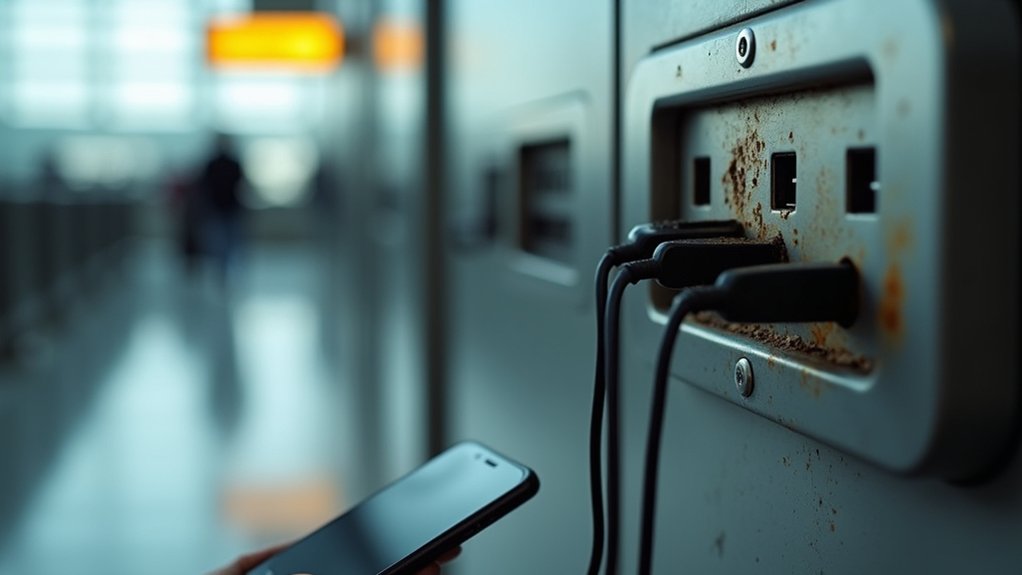
Public USB charging stations pose a hidden threat that can compromise your device’s security in seconds. This attack method, called “juice jacking,” exploits USB ports’ dual functionality to steal your data or install malware while your device charges.
Criminals can access emails, passwords, and financial information within moments of connection.
You’re safest avoiding public charging stations in airports, hotels, and coffee shops entirely. Instead, pack a portable power bank or use wall outlets with your own charger.
If you must use public USB ports, enable “charge only” mode on your device or invest in a USB data blocker that prevents data transfer while allowing charging. With attack tools now available for under £150, sophisticated variants are becoming increasingly accessible to cybercriminals.
Your convenience isn’t worth the security risk—especially when traveling through high-traffic areas.
Create Temporary Email Accounts for Travel Bookings
When you’re booking travel online, creating temporary email accounts can shield your primary inbox from spam while protecting your privacy across multiple platforms. You’ll get instant access in seconds for testing fare alerts or signing up for hotel newsletters without cluttering your main email.
These temporary addresses prevent travel companies from linking your data across bookings and help you access exclusive discounts. Even incomplete bookings can generate follow-up reminders and promotional offers, making temporary email ideal for these situations.
However, don’t use temp emails for anything involving money or long-term access—airlines and hotels might block disposable domains, and you risk permanent lockout. Reserve your primary inbox for tickets, boarding passes, and visa documents.
Create reusable temporary addresses through services like tmailor.com for deals and promotions, but maintain access throughout your entire trip.
Choose Hotels With GDPR and PCI DSS Security Certifications

While booking accommodations might seem straightforward, choosing hotels with GDPR and PCI DSS security certifications can make the difference between a worry-free trip and a financial nightmare. These certifications aren’t just fancy badges—they’re your shield against data breaches and payment fraud.
GDPR-compliant hotels must obtain explicit consent before collecting your personal information and implement robust security measures to protect it.
Meanwhile, PCI DSS certification ensures hotels encrypt your credit card data using AES-256 encryption and maintain secure payment processing systems.
With approximately 148 million hotel bookings requiring credit cards yearly, you’re constantly at risk. Look for these certifications on hotel websites or ask directly about their compliance status. Hotels must notify European Regulators within 72 hours if a data breach poses risk to guest information.
Don’t jeopardize your mobile device’s safety by staying somewhere that treats your data carelessly.
Use Encrypted Payment Systems Like Apple Pay for Transactions
Beyond securing your accommodations, protecting your payment data during transactions requires the same vigilance. You should use encrypted payment systems like Apple Pay instead of physical cards when traveling internationally.
Apple Pay generates unique Device Account Numbers for each transaction, meaning merchants never receive your actual card details. Even if point-of-sale systems get breached, attackers only obtain useless tokens.
Every payment requires Face ID, Touch ID, or your passcode, adding security layers that signatures can’t match. Your biometric data stays locked in the Secure Enclave, protected from malware.
Apple Pay works offline once cards are added to your wallet and functions wherever contactless payments are accepted globally. Just notify your bank about travel plans to prevent transaction blocks. Check your card’s terms beforehand since banks may add foreign transaction fees of 1-3% for international purchases.
Enable Biometric Authentication for Enhanced Device Security
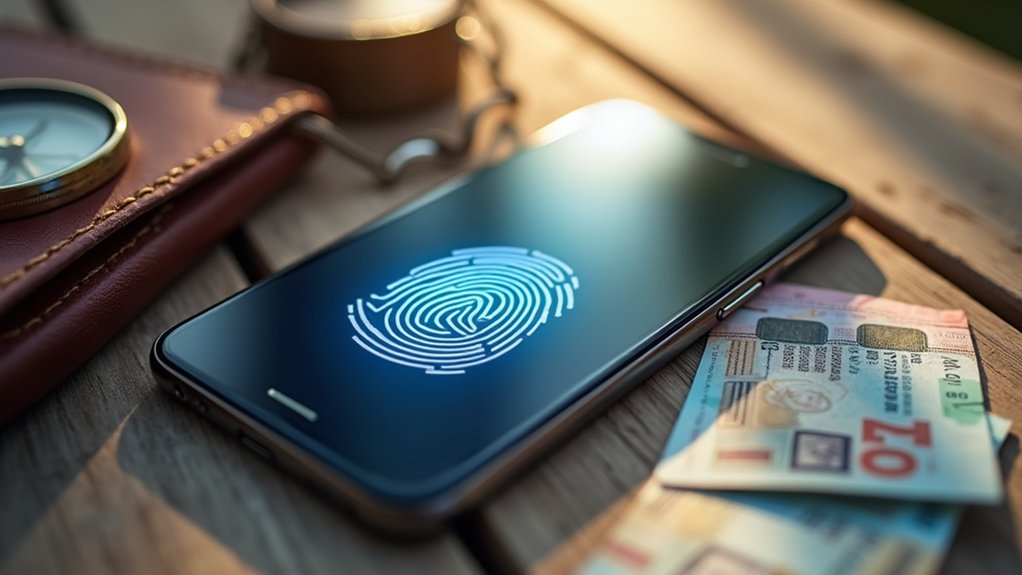
Although payment security forms a vital foundation, your device itself needs equally robust protection through biometric authentication. Enable fingerprint, facial recognition, or voice authentication to replace vulnerable PINs and passwords that travelers often compromise under stress.
Biometrics can’t be stolen through phishing or replicated like traditional credentials. Organizations using biometric authentication experience 75% fewer account takeover incidents, making this upgrade essential for travel security.
You’ll access your device instantly with a touch or glance, eliminating the hassle of remembering complex passwords while traversing airports or hotels. Modern systems use liveness detection with 3D depth mapping to prevent spoofing attempts from photos or masks.
Your biometric data stays securely stored on your device, never transmitted to cloud servers. Combine biometrics with your existing PIN as multi-factor authentication for maximum protection against unauthorized access during your travels.
Avoid Accessing Sensitive Accounts Over Unsecured Public Wi-Fi
When you’re rushing through airports or settling into hotel lobbies, public Wi-Fi networks seem like convenient lifelines to stay connected. However, these unsecured networks transmit your data in plain text, making your banking information, login credentials, and personal messages vulnerable to cybercriminals using basic interception tools.
Hackers exploit these networks through man-in-the-middle attacks, packet sniffing, and session hijacking to steal your identity and financial information. Before connecting, verify network security by looking for encryption indicators and confirm legitimate hotspots with staff.
Always use a VPN to encrypt your traffic, stick to HTTPS websites, and enable two-factor authentication. Plus, keep your Wi-Fi turned off when not actively needed to reduce exposure and conserve battery life.
Most importantly, avoid accessing sensitive accounts like banking or work systems over public Wi-Fi entirely—wait until you’re on a secure network.
Last Words
You’ve got the tools to protect your mobile devices while traveling—now use them. Don’t let convenience override your security. Enable these protections before you leave home, not after something goes wrong. Your personal data’s worth more than the few extra minutes it takes to secure your devices properly. Travel smart, stay vigilant, and you’ll enjoy your trip without worrying about digital threats following you home.